Schema Markup for Law Firms: Quick Implementation Guide
Implement LegalService, Attorney, and LocalBusiness schema for your law firm. Step-by-step guide to structured data that drives more client inquiries from search.
Why Schema Matters for Law Firm
Legal services operate under Google's strictest quality standards. As YMYL (Your Money or Your Life) content, every page on a law firm website is evaluated against heightened E-E-A-T criteria — experience, expertise, authoritativeness, and trustworthiness. Schema markup is how you provide these signals in a machine-readable format. LegalService schema tells Google and AI engines exactly what practice areas you cover and which jurisdictions you serve. Attorney schema establishes individual lawyer credentials — bar admissions, education, specializations — that AI engines need to confidently recommend specific attorneys. In 2026, AI legal assistants are a rapidly growing channel: people ask ChatGPT about their legal rights, Perplexity for lawyer recommendations, and Gemini to compare firms. These AI engines construct recommendations from structured data, reviews, and content authority. Firms without Attorney and LegalService schema are invisible to this channel — while their competitors with proper markup capture high-value client inquiries at zero marginal cost.
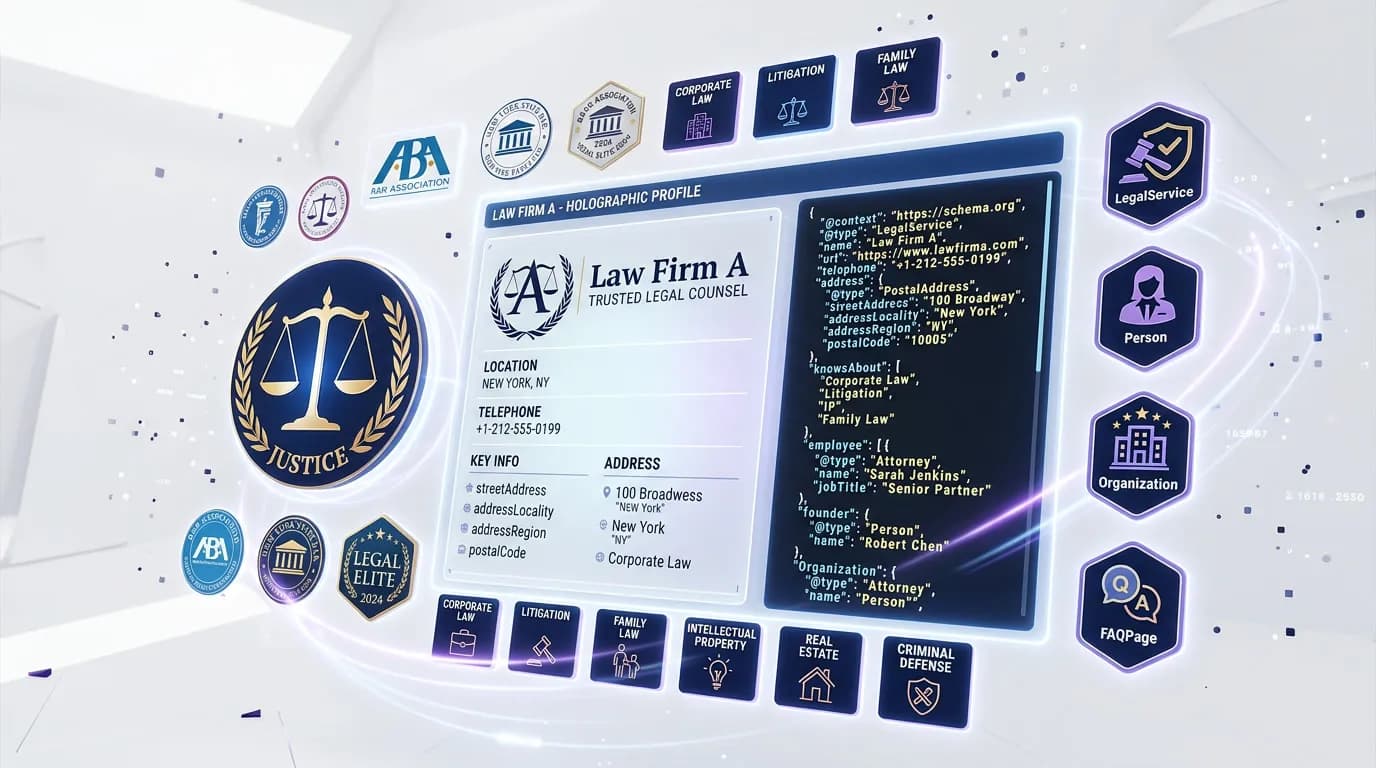
Essential Schema Types for Law Firm
Implement these 4 schema types to maximize your search visibility and AI engine compatibility.
1.LegalService
CriticalGoogle Rich ResultsIdentifies your firm as a legal service provider for practice area queries
{
  "@type": "LegalService",
  "name": "Smith & Associates Law Firm",
  "description": "Personal injury and family law firm serving greater Chicago.",
  "areaServed": {
    "@type": "City",
    "name": "Chicago"
  },
  "priceRange": "$$",
  "address": {
    "@type": "PostalAddress",
    "streetAddress": "456 Legal Ave, Suite 200",
    "addressLocality": "Chicago",
    "addressRegion": "IL",
    "postalCode": "60601"
  },
  "telephone": "+1-312-555-0199"
}
Pro tip: Add multiple areaServed entries if your firm operates across cities or states. Use both City and State types to capture jurisdiction-specific queries like "personal injury lawyer in Illinois" and "Chicago divorce attorney."
2.Attorney
CriticalProfiles individual attorneys with credentials for knowledge panel eligibility
{
  "@type": "Attorney",
  "name": "Jane Smith, Esq.",
  "jobTitle": "Managing Partner",
  "url": "https://smithlaw.com/attorneys/jane-smith",
  "image": "https://smithlaw.com/jane-smith.jpg",
  "worksFor": { "@id": "#org" },
  "knowsAbout": ["Personal Injury Law", "Family Law"],
  "alumniOf": {
    "@type": "CollegeOrUniversity",
    "name": "Harvard Law School"
  }
}
Pro tip: Add hasCredential with bar admission details (jurisdiction, date admitted) for each attorney. This is the data AI engines need to verify an attorney is licensed in the relevant jurisdiction before recommending them.
3.FAQPage
RecommendedGoogle Rich ResultsCaptures featured snippets for legal questions prospects search for
{
  "@type": "FAQPage",
  "mainEntity": [{
    "@type": "Question",
    "name": "How much does a personal injury lawyer cost?",
    "acceptedAnswer": {
      "@type": "Answer",
      "text": "Most personal injury attorneys work on contingency, meaning you pay nothing unless you win your case. Typical fees are 33% of the settlement."
    }
  }]
}
Pro tip: Place FAQPage schema on each practice area page with jurisdiction-specific legal questions. "How long does a divorce take in Texas?" is the kind of question that AI engines answer verbatim from your FAQ schema when it includes the right jurisdiction detail.
4.LocalBusiness
RecommendedGoogle Rich ResultsBoosts local pack visibility for office locations
{
  "@type": "LocalBusiness",
  "@id": "#office-chicago",
  "name": "Smith & Associates - Chicago Office",
  "telephone": "+1-312-555-0199",
  "openingHoursSpecification": [{
    "@type": "OpeningHoursSpecification",
    "dayOfWeek": ["Monday", "Tuesday", "Wednesday", "Thursday", "Friday"],
    "opens": "08:30",
    "closes": "17:30"
  }],
  "geo": {
    "@type": "GeoCoordinates",
    "latitude": "41.8781",
    "longitude": "-87.6298"
  }
}
Pro tip: For multi-location firms, create separate LocalBusiness entities for each office with unique @id values and link them to the parent LegalService via parentOrganization. This ensures each office appears in its own local pack results.
Common Mistakes to Avoid
These are the most frequent law firm schema issues we see during audits.
#1 — Using generic Organization instead of LegalService type
Organization schema tells Google you are a company, but LegalService tells Google you are a law firm with practice areas and jurisdictions. The generic type misses all legal-specific properties that drive practice area rankings and AI recommendations.
Fix: Change @type from "Organization" to "LegalService" on your firm's homepage and practice area pages. LegalService inherits all Organization properties while adding legal-specific ones like areaServed and knowsAbout for practice areas.
#2 — No areaServed property for geographic targeting
Legal queries have strong geographic intent — "divorce lawyer in Dallas" is fundamentally different from "divorce lawyer in Austin." Without areaServed, Google and AI engines cannot match your firm to jurisdiction-specific queries.
Fix: Add areaServed with City, State, or AdministrativeArea types for every jurisdiction you serve. For firms serving multiple areas, use an array of location objects with proper @type and name for each.
#3 — Missing attorney credentials and alumniOf
Attorney schema without education, bar admissions, and practice area specializations provides minimal E-E-A-T signal. AI engines specifically check for credential data before recommending individual attorneys.
Fix: Add alumniOf for law school, hasCredential for bar admissions with jurisdiction details, knowsAbout for practice areas, and awards or memberOf for professional associations. This is the structured expertise signal that YMYL evaluation depends on.
#4 — No practice area pages with dedicated schema
Many law firms put all practice areas on a single page with no individual schema per area. This prevents Google from ranking specific practice area pages for specific legal queries and dilutes your topical authority.
Fix: Create individual pages for each major practice area with dedicated LegalService and FAQPage schema. Each page should target its own jurisdiction + practice area keyword combinations.
How to Test Your Schema
- 1Check your firm homepage source for LegalService schema (not generic Organization) with areaServed, telephone, and address properties
- 2Verify each attorney profile page has Attorney schema with alumniOf, knowsAbout, and worksFor referencing your firm via @id
- 3Validate the FAQPage schema on your top practice area pages in Rankeo's Schema Validator — well-formed Q&A pairs are what AI engines extract and cite when answering legal questions
- 4Paste your JSON-LD into Rankeo's Schema Validator and check that all @id cross-references resolve correctly within your @graph
- 5Compare your schema address, phone, and office hours with your Google Business Profile — any mismatch weakens local pack rankings for high-value legal queries
Generate Law Firm Schema Instantly with Rankeo
Stop writing schema markup by hand. Rankeo's schema generator builds a complete, validated @graph array for your law firm site in seconds — including all 4 essential types above.
- Programmatic builders — no AI hallucinations
- Connected @graph with proper @id references
- Validated against Google Rich Results requirements
- One-click copy to your site
The Bottom Line
For law firms, schema markup is an E-E-A-T amplifier. LegalService and Attorney schema provide the structured credential and jurisdiction signals that Google's YMYL evaluation and AI recommendation engines demand. In a vertical where cost-per-click exceeds $100, organic visibility through proper structured data delivers the highest-ROI client acquisition channel available. Most competing firms still use generic Organization schema — implementing legal-specific markup creates an immediate and durable advantage in both traditional search and AI recommendations.
Frequently Asked Questions
What schema types does a law firm website need?
LegalService for your firm with practice areas and jurisdictions, Attorney for individual lawyer profiles with credentials, LocalBusiness for each office location, and FAQPage on practice area pages. LegalService, Attorney, and LocalBusiness cover the key Google rich result opportunities, while FAQPage structures your Q&A for direct extraction and citation by AI engines.
Does schema markup help law firm SEO?
Yes. LegalService and Attorney schema help Google understand your practice areas and attorney credentials, which is critical for YMYL content ranking. This improves local pack rankings, can trigger knowledge panels for individual attorneys, and provides the E-E-A-T signals Google weights most heavily for legal content.
How do I add schema to my law firm website?
Add a JSON-LD @graph on your homepage with LegalService and Organization types connected via @id. Create Attorney schema on each lawyer's profile page. Add FAQPage schema on practice area pages with common legal questions specific to your jurisdiction.
Why is Attorney schema important for AI visibility?
AI engines verify attorney credentials before recommending specific lawyers. Attorney schema with bar admissions, education, and practice specializations gives AI models the structured data they need to recommend your lawyers with confidence. Without it, AI assistants may recommend competitors whose credentials are machine-readable.
How does YMYL affect law firm schema requirements?
Google classifies legal content as YMYL, applying its strictest quality evaluation. Schema markup provides structured E-E-A-T signals: Attorney schema proves expertise through credentials, LegalService establishes authority through practice area coverage, and FAQPage demonstrates experience through jurisdiction-specific legal guidance.
Can Rankeo help multi-office law firms with schema?
Yes. Rankeo generates separate LocalBusiness schema for each office location, links them to your parent LegalService entity, and ensures NAP consistency across all schema and Google Business Profiles. For firms with multiple jurisdictions, it creates areaServed entries for each service area.
More Schema Guides
Explore implementation guides for other industries.
4 schema types
4 schema types
4 schema types
4 schema types
4 schema types
4 schema types
4 schema types
4 schema types
4 schema types
Want a full SEO + GEO strategy for your law firm site?
See Rankeo for Law FirmLearn about the difference between SEO, AEO, and GEO.
Read on the blogReady to fix your structured data?
Rankeo audits your schema, generates fixes, and monitors rich result eligibility — all in one dashboard.