Schema Markup for Local Businesses: Quick Implementation Guide
Add LocalBusiness, GeoCoordinates, and Review schema to your website. Step-by-step guide to local SEO structured data that drives more foot traffic and calls.
Why Schema Matters for Local Business
For local businesses — plumbers, dentists, salons, auto shops, gyms — schema markup is the bridge between your website and Google's local pack. The local pack (the map with three business listings) captures 42% of clicks for local searches, and your eligibility for this premium placement depends on structured data signals: accurate address, geo coordinates, business hours, and service definitions. Without LocalBusiness schema, Google relies on imperfect crawling to understand your business — often resulting in missing hours, wrong categories, or incomplete service information. In 2026, AI assistants add a critical new channel. When a homeowner asks Perplexity "emergency plumber near me open now" or ChatGPT "best hair salon for curly hair in Portland," the AI constructs recommendations from structured data it can parse with confidence. Local businesses with complete schema — business type, hours, services, ratings, and service areas — are the ones AI engines recommend. The investment is minimal (a single JSON-LD script tag), but the impact on phone calls, direction requests, and walk-in traffic is measurable within weeks.
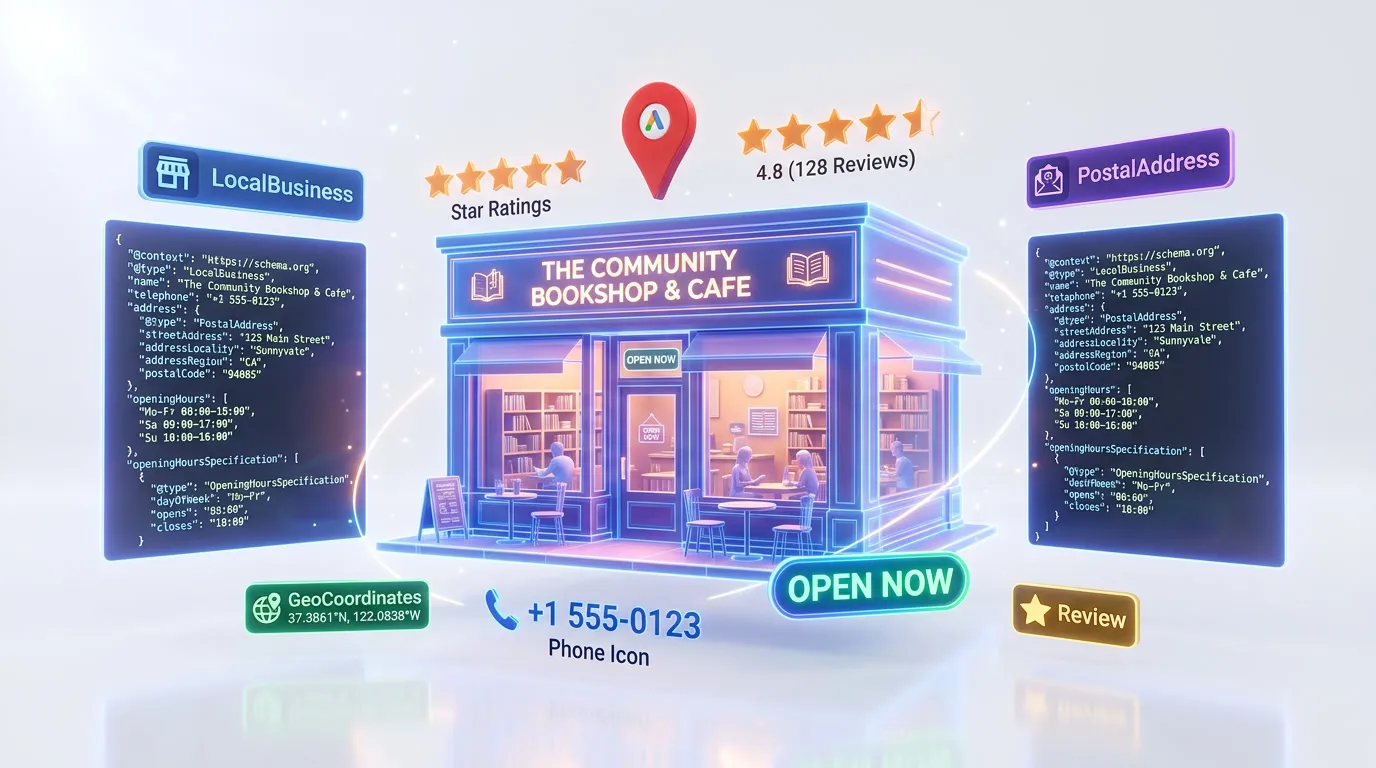
Essential Schema Types for Local Business
Implement these 4 schema types to maximize your search visibility and AI engine compatibility.
1.LocalBusiness
CriticalGoogle Rich ResultsEssential for local pack rankings and Google Business Profile matching
{
  "@type": "LocalBusiness",
  "@id": "#business",
  "name": "Joe's Auto Repair",
  "image": "https://joesauto.com/shop.jpg",
  "telephone": "+1-555-012-3456",
  "address": {
    "@type": "PostalAddress",
    "streetAddress": "321 Workshop Lane",
    "addressLocality": "Portland",
    "addressRegion": "OR",
    "postalCode": "97201"
  },
  "geo": {
    "@type": "GeoCoordinates",
    "latitude": "45.5152",
    "longitude": "-122.6784"
  },
  "openingHoursSpecification": [{
    "@type": "OpeningHoursSpecification",
    "dayOfWeek": ["Monday", "Tuesday", "Wednesday", "Thursday", "Friday"],
    "opens": "07:00",
    "closes": "18:00"
  }]
}
Pro tip: Use the most specific LocalBusiness subtype available: AutoRepair instead of LocalBusiness, Dentist instead of MedicalBusiness, HairSalon instead of HealthAndBeautyBusiness. Specific types unlock category-relevant rich results and improve AI categorization accuracy.
2.AggregateRating
RecommendedGoogle Rich ResultsDisplays star ratings in local search results for higher click-through
{
  "@type": "AggregateRating",
  "ratingValue": "4.8",
  "bestRating": "5",
  "ratingCount": "156",
  "reviewCount": "142"
}
Pro tip: Nest AggregateRating inside your LocalBusiness schema. The rating must reflect reviews collected on YOUR website — Google prohibits using Google Reviews or Yelp ratings in your own schema markup. Implement a first-party review collection system to build eligible review data.
3.FAQPage
RecommendedGoogle Rich ResultsCaptures featured snippets for service-related questions
{
  "@type": "FAQPage",
  "mainEntity": [{
    "@type": "Question",
    "name": "How much does an oil change cost?",
    "acceptedAnswer": {
      "@type": "Answer",
      "text": "A standard oil change at Joe's Auto Repair costs $39.99 and includes a multi-point inspection. Synthetic oil changes start at $69.99."
    }
  }]
}
Pro tip: Include pricing questions for your most popular services. "How much does [service] cost at [business]?" is one of the highest-intent local queries, and structuring these Q&A pairs lets AI engines extract and cite your exact pricing when answering.
4.Service
RecommendedStructures your service offerings for service-related search queries
{
  "@type": "Service",
  "name": "Brake Repair",
  "provider": { "@id": "#business" },
  "areaServed": {
    "@type": "City",
    "name": "Portland"
  },
  "description": "Complete brake inspection, pad replacement, and rotor resurfacing.",
  "offers": {
    "@type": "Offer",
    "priceSpecification": {
      "@type": "PriceSpecification",
      "price": "199.00",
      "priceCurrency": "USD"
    }
  }
}
Pro tip: Create a Service schema for each distinct service you offer and link them to your LocalBusiness via provider @id. AI engines use Service schema to match your business with specific service queries — "brake repair in Portland" will surface businesses with explicit Brake Repair service markup.
Common Mistakes to Avoid
These are the most frequent local business schema issues we see during audits.
#1 — Missing geo coordinates for map matching
Without GeoCoordinates, Google cannot precisely place your business on the map. This weakens your local pack eligibility and makes "near me" query matching less accurate, especially in dense urban areas with many competitors.
Fix: Add a geo property with GeoCoordinates inside your LocalBusiness schema. Use precise latitude and longitude for your actual business location (not a general city center). Google Maps can provide exact coordinates for any address.
#2 — No opening hours specification
Businesses without OpeningHoursSpecification cannot display hours in search results. More critically, AI assistants cannot answer "is [business] open now?" — a dealbreaker for urgent service queries like emergency plumbing or same-day appointments.
Fix: Add OpeningHoursSpecification for each day with opens and closes in 24-hour format (HH:MM). Include separate entries for different schedules. If closed on certain days, add a dayOfWeek entry with no opens/closes times.
#3 — Address format inconsistent with Google Business Profile
When your schema address does not exactly match your Google Business Profile address (different abbreviations, missing suite numbers, different formatting), Google cannot confidently connect your website to your GBP listing.
Fix: Copy your address exactly as it appears in your Google Business Profile — same abbreviations, same suite format, same city name. NAP (Name, Address, Phone) consistency between schema and GBP is one of the strongest local ranking signals.
#4 — Using only Organization instead of specific LocalBusiness subtype
Organization schema lacks local business properties like geo coordinates, opening hours, and service area. It signals a company, not a local business, missing all the structured data Google uses for local pack placement.
Fix: Use the most specific LocalBusiness subtype: AutoRepair, Dentist, HairSalon, Plumber, etc. If no specific subtype exists, use LocalBusiness directly. Always include address, geo, telephone, and openingHoursSpecification.
How to Test Your Schema
- 1View your homepage source and verify LocalBusiness schema (or specific subtype) with complete address, geo coordinates, telephone, and opening hours
- 2Compare your schema address, phone, and business name character-for-character with your Google Business Profile — any discrepancy weakens local pack eligibility
- 3Paste your JSON-LD into Rankeo's free Schema Validator to check for missing required properties and structural errors
- 4Run Google's Rich Results Test on your homepage and top service pages to verify rich result eligibility for LocalBusiness and Service types
- 5Search for "[your business name] hours" and "[your service] near [your city]" on Google to verify your hours and local pack placement reflect your schema
Generate Local Business Schema Instantly with Rankeo
Stop writing schema markup by hand. Rankeo's schema generator builds a complete, validated @graph array for your local business site in seconds — including all 4 essential types above.
- Programmatic builders — no AI hallucinations
- Connected @graph with proper @id references
- Validated against Google Rich Results requirements
- One-click copy to your site
The Bottom Line
LocalBusiness schema is the highest-ROI SEO investment for any brick-and-mortar business. It directly impacts local pack placement — the premium search position that drives 42% of local search clicks. With AI assistants now handling a growing share of "near me" and service queries, businesses without complete structured data are invisible to the most valuable discovery channels. The barrier is low: a single JSON-LD script with your business type, address, hours, and services. The payoff is immediate and compounds over time as every new review, service, and content update reinforces your structured data foundation.
Frequently Asked Questions
What schema types does a local business need?
LocalBusiness (or a specific subtype) with full address, geo coordinates, phone, and hours is the foundation. Add AggregateRating for review stars, Service schema for your offerings, and FAQPage for common customer questions about pricing, availability, and service details.
Does schema markup help local SEO?
Yes. LocalBusiness schema helps Google match your website to your Business Profile, directly improving local pack rankings. Accurate address and geo coordinates are especially important for "near me" queries. Businesses with complete structured data consistently outperform those without in local search.
How do I add schema to my local business website?
Add a JSON-LD script tag with your specific LocalBusiness type on your homepage. Include your exact address matching your Google Business Profile, geo coordinates, phone number, and opening hours. Test with Google's Rich Results Test to verify everything validates.
What is the most important schema property for local businesses?
Address and geo coordinates together are the most critical. They determine your local pack eligibility and "near me" query matching. After that, openingHoursSpecification and telephone complete the core set that Google and AI engines need to surface your business for local queries.
Do I need different schema for a multi-location business?
Yes. Create separate LocalBusiness entities for each location with unique @id values, addresses, phone numbers, and opening hours. Link them to a parent Organization entity. Each location needs its own schema to appear in its own local pack results.
Can Rankeo generate local business schema automatically?
Yes. Rankeo's Schema Generator creates a complete @graph with your specific LocalBusiness subtype, Service schema for each offering, AggregateRating, and FAQPage. It validates NAP consistency with your Google Business Profile and generates location-specific schema for multi-location businesses.
More Schema Guides
Explore implementation guides for other industries.
4 schema types
4 schema types
4 schema types
4 schema types
4 schema types
4 schema types
4 schema types
4 schema types
4 schema types
Want a full SEO + GEO strategy for your local business site?
See Rankeo for Local BusinessLearn about the difference between SEO, AEO, and GEO.
Read on the blogReady to fix your structured data?
Rankeo audits your schema, generates fixes, and monitors rich result eligibility — all in one dashboard.