Schema Markup for SaaS: Quick Implementation Guide
Learn which schema types your SaaS website needs. Step-by-step guide to implementing SoftwareApplication, Organization, and FAQ schema for better SEO results.
Why Schema Matters for SaaS
Schema markup is no longer optional for SaaS companies competing in 2026. With Google increasingly displaying rich results — star ratings, pricing, and feature summaries directly in search — SaaS websites without structured data lose clicks to competitors who have it. But the stakes go beyond Google. AI engines like ChatGPT, Perplexity, and Gemini now recommend software tools based on structured data they can parse with confidence. When a buyer asks "what is the best project management tool for remote teams," AI models rely heavily on SoftwareApplication schema with accurate pricing, ratings, and category data to formulate their recommendations. SaaS companies that implement a proper @graph connecting their product, organization, and FAQ schema create a machine-readable layer that both Google and AI engines trust. The result: higher click-through rates from rich results, more accurate AI recommendations, and a compounding visibility advantage over competitors still relying on unstructured HTML.
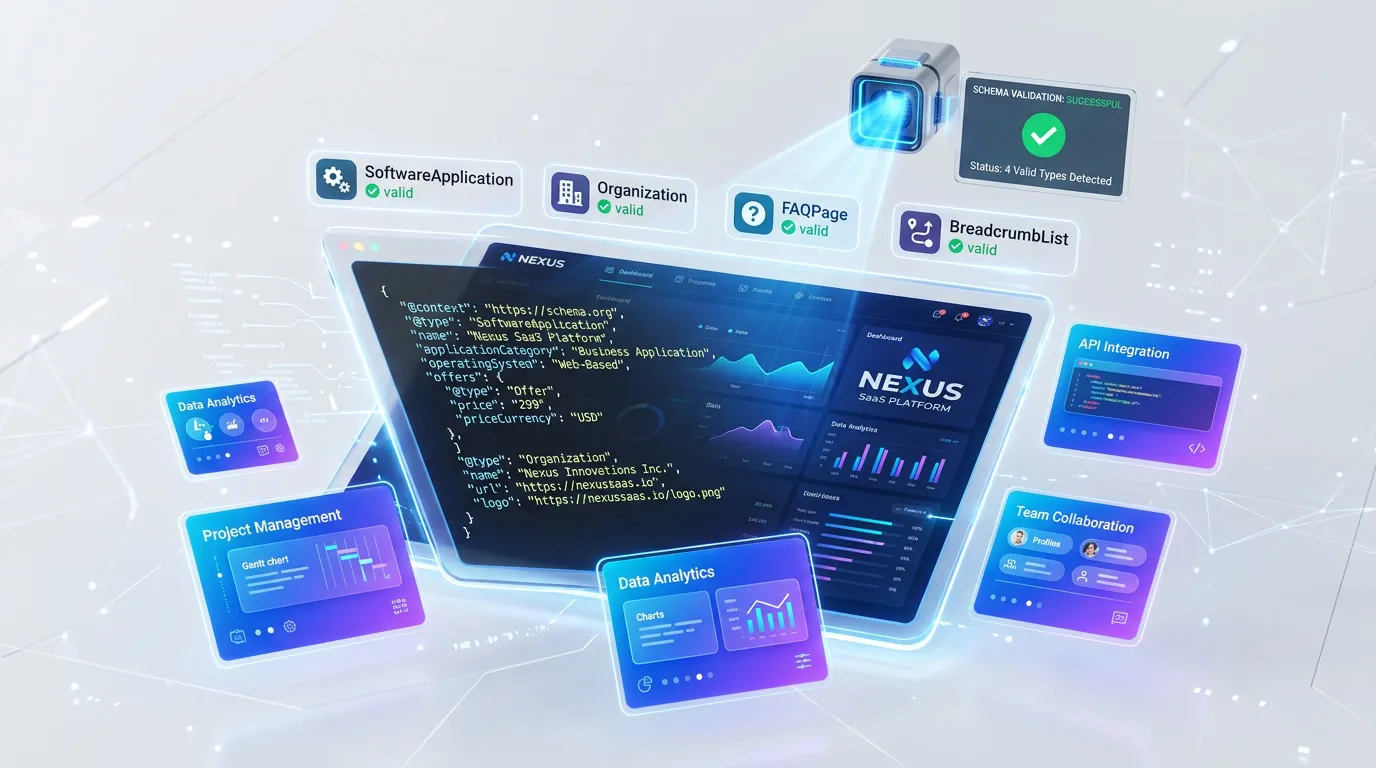
Essential Schema Types for SaaS
Implement these 4 schema types to maximize your search visibility and AI engine compatibility.
1.SoftwareApplication
CriticalGoogle Rich ResultsEnables rich results for your product with ratings and pricing in search
{
  "@type": "SoftwareApplication",
  "name": "YourApp",
  "applicationCategory": "BusinessApplication",
  "operatingSystem": "Web",
  "offers": {
    "@type": "Offer",
    "price": "29.00",
    "priceCurrency": "USD"
  },
  "aggregateRating": {
    "@type": "AggregateRating",
    "ratingValue": "4.7",
    "reviewCount": "312"
  }
}
Pro tip: Always include applicationCategory from Google's accepted list (BusinessApplication, DeveloperApplication, etc.). Generic categories like "Application" reduce your rich result eligibility.
2.Organization
CriticalGoogle Rich ResultsEstablishes your brand identity and knowledge panel eligibility
{
  "@type": "Organization",
  "@id": "#org",
  "name": "YourCompany",
  "url": "https://yourapp.com",
  "logo": "https://yourapp.com/logo.png",
  "sameAs": [
    "https://twitter.com/yourapp",
    "https://linkedin.com/company/yourapp"
  ]
}
Pro tip: Include at least 3-4 sameAs links to verified social profiles. This cross-referencing is what triggers Google Knowledge Panels and helps AI engines verify your company as a legitimate entity.
3.FAQPage
RecommendedGoogle Rich ResultsStructures Q&A for direct extraction and citation by AI engines
{
  "@type": "FAQPage",
  "mainEntity": [{
    "@type": "Question",
    "name": "What does YourApp do?",
    "acceptedAnswer": {
      "@type": "Answer",
      "text": "YourApp helps teams automate their workflow with AI-powered tools."
    }
  }]
}
Pro tip: Place FAQPage schema on your pricing page and main feature pages — these are the pages where prospects have the most questions and where AI engines pull the clearest Q&A pairs to cite when recommending your product.
4.HowTo
RecommendedGoogle Rich ResultsStep-by-step rich results for tutorials and onboarding guides
{
  "@type": "HowTo",
  "name": "How to set up YourApp",
  "step": [{
    "@type": "HowToStep",
    "name": "Create an account",
    "text": "Sign up at yourapp.com with your email."
  }, {
    "@type": "HowToStep",
    "name": "Connect your tools",
    "text": "Link your existing tools via the integrations page."
  }]
}
Pro tip: Add HowTo schema to your getting-started guides and integration tutorials. These pages often rank for long-tail "how to" queries that capture users at the activation stage of their journey.
Common Mistakes to Avoid
These are the most frequent saas schema issues we see during audits.
#1 — Missing applicationCategory on SoftwareApplication
Without applicationCategory, Google cannot classify your software and may not display rich results. Many SaaS sites omit this required property or use non-standard category values.
Fix: Add applicationCategory with a value from Google's accepted list: BusinessApplication, DeveloperApplication, DesignApplication, EducationApplication, etc. Check schema.org for the full enumeration.
#2 — No offers or pricing markup on plan pages
Pricing pages without Offer schema miss the opportunity to display pricing directly in search results. AI engines also cannot recommend your product with accurate cost information.
Fix: Add Offer schema with price, priceCurrency, and priceValidUntil for each plan tier. For freemium products, include a $0 offer for the free tier to signal accessibility.
#3 — Generic Organization schema without logo or sameAs links
A bare Organization with just a name and URL provides minimal signal. Without logo and social links, Google cannot build a Knowledge Panel and AI engines lack cross-references to verify your entity.
Fix: Include logo (URL to a high-resolution image, minimum 112x112px), foundingDate, description, and at least 3 sameAs links to your verified social profiles and directory listings.
#4 — Not using @id references to connect schema entities
Disconnected schema entities (separate SoftwareApplication and Organization blocks without references) prevent search engines from understanding the relationship between your product and your company.
Fix: Use a unified @graph array with @id references. Give your Organization an @id like "#org" and reference it from SoftwareApplication via "provider": { "@id": "#org" }.
How to Test Your Schema
- 1Copy your complete @graph JSON-LD from your page source (right-click > View Source, search for "application/ld+json")
- 2Paste it into Rankeo's free Schema Validator to check for structural errors and missing required properties
- 3Run Google's Rich Results Test (search.google.com/test/rich-results) to verify rich result eligibility for SoftwareApplication
- 4Check that your SoftwareApplication shows pricing and ratings in the Rich Results preview — if not, verify offers and aggregateRating are present
- 5After deploying, request re-indexing in Google Search Console and monitor the Rich Results report for new eligible pages
Generate SaaS Schema Instantly with Rankeo
Stop writing schema markup by hand. Rankeo's schema generator builds a complete, validated @graph array for your saas site in seconds — including all 4 essential types above.
- Programmatic builders — no AI hallucinations
- Connected @graph with proper @id references
- Validated against Google Rich Results requirements
- One-click copy to your site
The Bottom Line
For SaaS companies, schema markup is one of the highest-leverage SEO investments available. A properly connected @graph with SoftwareApplication, Organization, and HowTo schema enables rich results that increase click-through rates by 20-30%, while FAQPage structures your Q&A for direct extraction and citation by AI engines — together making your product accurately recommendable across both classic search and AI answers. Most SaaS competitors still lack proper structured data — implementing it now creates a durable visibility advantage that compounds with every page you add.
Frequently Asked Questions
What schema types does a SaaS website need?
At minimum, SoftwareApplication for your product, Organization for your brand, FAQPage for support and feature questions, and HowTo for onboarding tutorials. SoftwareApplication and HowTo cover the key Google rich result opportunities, while FAQPage gives AI engines the structured Q&A they need to recommend your tool accurately.
Does schema markup help SaaS SEO?
Yes. Schema markup enables rich results like star ratings and pricing in search results, which significantly increase click-through rates. It also helps AI engines understand your product for recommendation queries. SaaS sites with proper structured data see 20-30% higher organic CTR on pages with rich results.
How do I add schema to my SaaS landing page?
Add a single script tag with type application/ld+json containing a @graph array. Include your SoftwareApplication and Organization schemas connected via @id references. Test with Google's Rich Results Test tool before deploying to production.
Should I add schema to every page or just the homepage?
Add Organization schema on every page via your layout. Add SoftwareApplication on your product and pricing pages. Add FAQPage on any page with FAQ content. Add HowTo on tutorial and guide pages. Each schema type should appear on the most relevant page, not duplicated across the entire site.
How does schema markup affect AI recommendations for SaaS?
AI engines like ChatGPT and Perplexity parse structured data to build accurate product recommendations. SoftwareApplication schema with pricing, ratings, and category helps AI models recommend your tool with confidence. Without it, AI engines may describe your product inaccurately or skip it entirely.
Can Rankeo generate SaaS schema automatically?
Yes. Rankeo's Schema Generator builds a complete @graph with all four essential SaaS schema types programmatically — no manual JSON-LD coding required. It uses your site data to populate properties accurately and validates the output against Google's requirements before you deploy.
More Schema Guides
Explore implementation guides for other industries.
4 schema types
4 schema types
4 schema types
4 schema types
4 schema types
4 schema types
4 schema types
4 schema types
4 schema types
Want a full SEO + GEO strategy for your saas site?
See Rankeo for SaaSLearn about the difference between SEO, AEO, and GEO.
Read on the blogReady to fix your structured data?
Rankeo audits your schema, generates fixes, and monitors rich result eligibility — all in one dashboard.